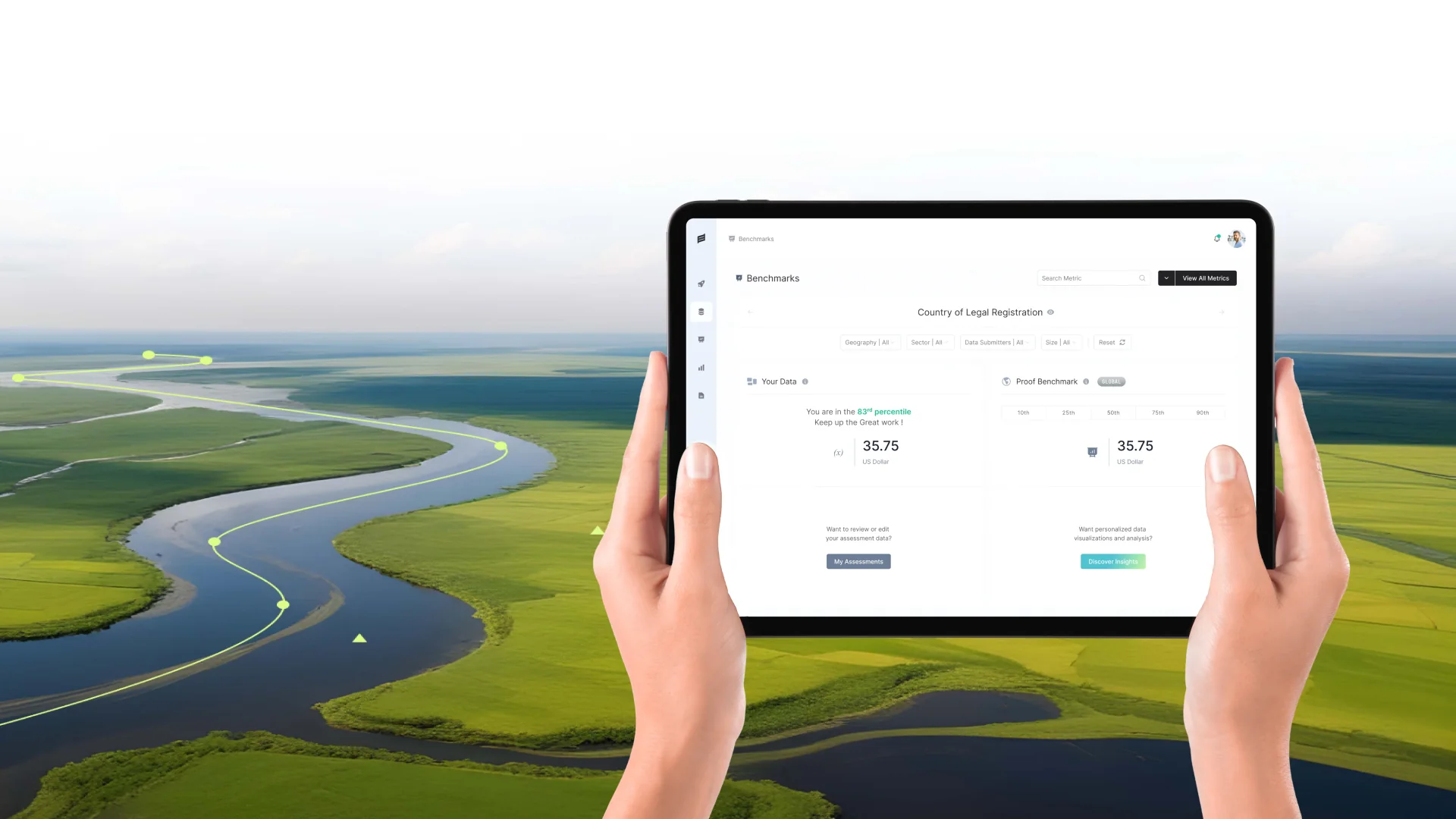
For years, motion lived in separate tools. Designers drew static screens, then someone opened a different application to animate a few key moments, often near the end of a project. That is changing. Figma Motion, announced at Config 2026, brings a timeline, keyframes and presets directly into the design file, with export to formats including CSS, JSON, React, MP4, WebM, animated SVG and GIF. Shader fills and effects arrived at the same time. Movement and texture are becoming design materials, reviewed alongside layout, colour and type.
From afterthought to material
When motion sits in a separate tool, it tends to be treated as polish. It arrives late, gets cut when deadlines tighten, and is rarely discussed with the same care as layout.
When it lives in the same file, motion becomes part of the design conversation from the start. Teams can decide how a panel should open while they are deciding what goes inside it. Transitions are designed for the content they carry, not added on top.
Better handoff
Describing motion in words is hard. “Ease out, slightly bouncy, about a third of a second” can be interpreted in many ways. An exported animation, in a format engineers can use directly, is a far clearer specification.
Exporting to code-friendly formats such as CSS and React shortens the gap between design intent and implementation, and reduces the back-and-forth that usually surrounds animation details.
The best motion explains something.
Every movement needs a job
More capability brings more temptation. The most effective motion explains something: where an item came from, what changed, what will happen next, or that an action succeeded.
Decorative movement on every element makes an interface feel busy, slows people down and can cause genuine discomfort for people sensitive to motion. A useful test is to ask what a person would miss if the animation were removed. If the answer is nothing, it probably should not be there.
Texture with restraint
Shaders open new expressive possibilities: grain, gradients that shift, light that responds to movement. Used subtly, they can give a brand depth and a sense of craft that flat colour cannot.
Used heavily, they compete with content and can affect performance on lower-powered devices. Treat them like a strong spice: a little goes a long way, and the dish should still work without it.
Put motion in the design system
Motion works best when it is systematic. Define a small set of durations, easing curves and patterns, such as how things enter, exit and change state, and reuse them everywhere.
This keeps the product consistent and makes it easy to respect reduced-motion settings in one place, by swapping animated transitions for simple fades or instant changes across the whole product.
Getting timing right
Most interface motion should be short. Small transitions often work best in the range of a few tenths of a second; larger movements across the screen can take slightly longer. Anything much slower starts to feel like waiting.
Easing matters as much as duration. Movements that start quickly and slow down as they arrive feel natural for things entering the screen; the reverse often suits things leaving.
Reviewing motion
Review motion on real devices, not only in design tools. Frame rates, screen sizes and performance differ. Watch transitions several times in a row, because something that feels delightful once can become irritating on the tenth repetition.
Getting started
Pick two or three moments in your product where motion would genuinely help understanding, such as opening a detail view or confirming a payment. Design those well, document them as patterns, and build from there.
Guidelines we use
- Design motion alongside layout, not at the end.
- Give every movement a job: explain where, what or next.
- Use shaders and texture sparingly.
- Define motion tokens and respect reduced-motion settings.