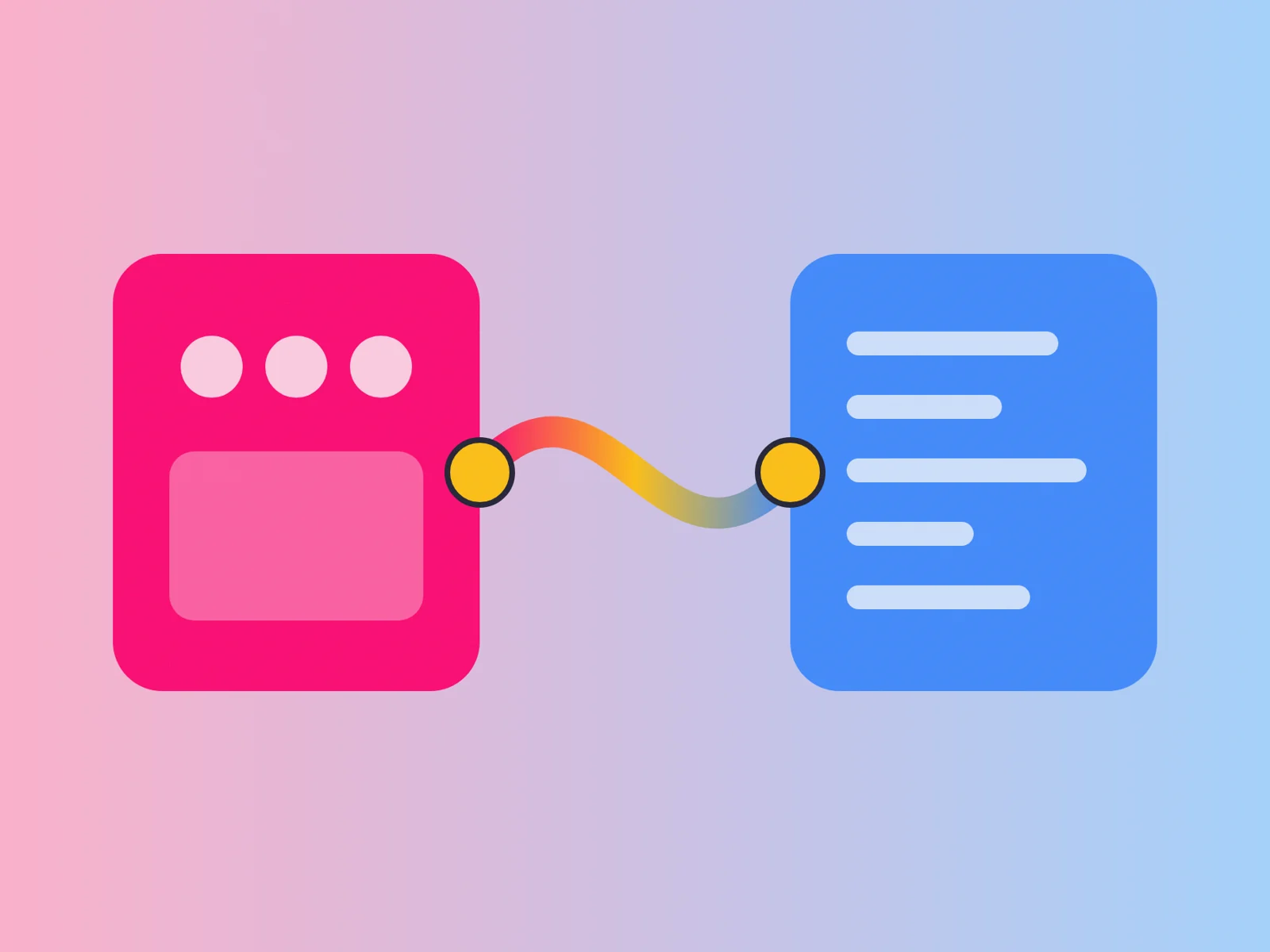
One quiet but important change this year is how design files connect to the rest of a team’s tools. Figma’s agent can now connect to external tools, and new features such as shader effects can be exported for use elsewhere. Meanwhile, AI coding assistants can increasingly read design context directly, instead of working from screenshots and written notes. Used well, that connection removes a lot of manual translation from handoff. Used carelessly, it simply produces messy code faster.
Context instead of screenshots
When an engineer or a coding assistant works from a screenshot, they have to guess: which colour token is this, which component, what spacing value? Every guess is a chance for the result to drift from the design.
When a coding assistant can read the actual components, tokens and layout of a design, it can produce code that uses the real design system rather than approximating a picture. The first draft is closer to the target, and review focuses on behaviour rather than pixel corrections.
The file has to be ready
These connections are only as good as the design file. Named components, consistent tokens, tidy layer structure and clear auto-layout give an assistant something reliable to work with.
A file full of detached elements, unnamed layers and one-off colours produces code that mirrors that mess. In this sense, AI-assisted handoff rewards the same file hygiene that good human handoff always did.
A messy file produces messy code.
Map design to code
The strongest setups explicitly map design components to their code counterparts. When the assistant knows that a particular button in the design corresponds to a specific component in the codebase, it can use that component directly instead of recreating it.
Building this mapping takes some effort up front, but it pays back on every screen that follows.
Keep review in the loop
Generated code still needs an engineer’s review for performance, accessibility, security and maintainability. The connection speeds up the first draft; it does not replace engineering judgement.
It also helps to review generated code in small pieces rather than whole screens at once, so issues are easier to spot and fix.
Be deliberate about access
Connecting tools means sharing information between them. Decide which files and projects an assistant should be able to read, and review those permissions as projects change, especially for client work.
A typical improvement
Without a connection, an engineer might rebuild a card component from a screenshot, choose the closest colour values and approximate the spacing. With a connection to a well-structured design file, the assistant can identify the card as an existing component, use the right tokens and produce code that matches the system.
Review then focuses on behaviour and edge cases, rather than correcting colours and spacing.
What it means for the team
Designers become more responsible for file quality, because the file is now read by machines as well as people. Engineers spend less time on translation and more on architecture, performance and quality. Both benefit from agreeing a shared vocabulary early.
Where to begin
Pick one well-structured part of your design system, connect it, and use it for a real feature. Measure how much review and correction the output needs compared with your usual process. Expand from there if it helps.
Before you connect
- Name components and tokens clearly before connecting tools.
- Map design components to their code counterparts.
- Review generated code in small pieces.
- Be deliberate about which files tools can access.